 Quick flomo
“笺” is a sheet
for short letters
影笺 (Quick flomo) is a third-party browser extension for flomo. Independent developer Ward makes and maintains it at Shadow Lab.
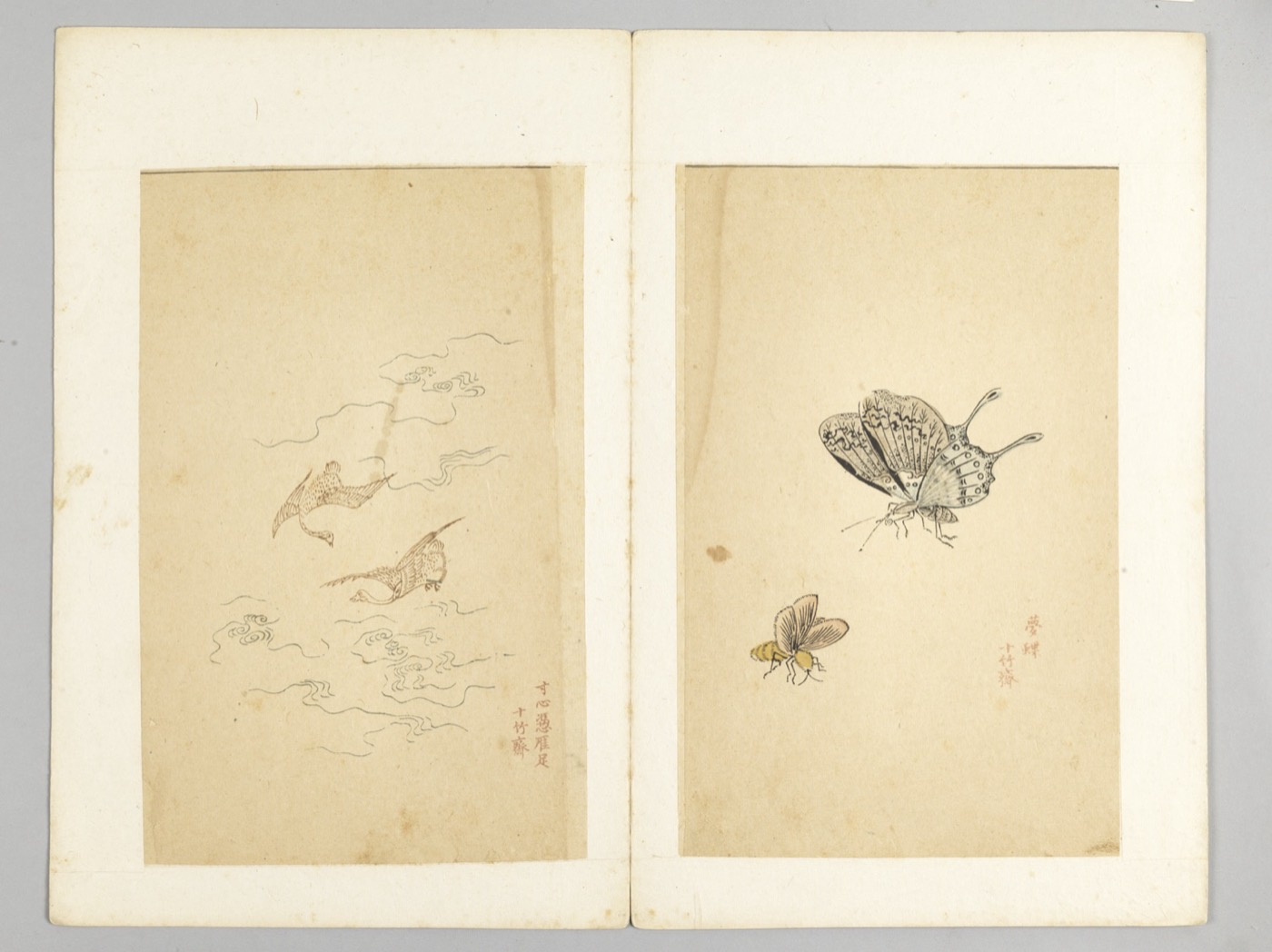
Where the name 影笺 comes from

A 笺 was a small sheet of paper for writing short letters in the past. Reading web pages can work the same way: don't carry the whole article home. Keep one clear slip of paper.
A 笺 holds your excerpt, your thoughts and a source you can trace back to the original. It goes into flomo next to your other cards, where you can search for it and use it again.
Who makes it
Quick flomo is made and maintained by independent developer Ward. Ward started Shadow Lab, a personal product lab that makes simple, reliable small tools for real situations. To learn more about Ward, see wardlu.com.
Quick flomo is a third-party tool for flomo and is not affiliated with flomo. “flomo” is a trademark of its owner. Quick flomo uses the name only to show that it works with flomo.
How it got here
- v1.0.0 first release
- Pro subscription launched
- Added vocabulary, selection translation and Vocabulary Review
- Support for web pages such as WeChat official accounts, plus credit packs and Alipay monthly and annual passes
- Alipay payments in China. Monthly and annual passes and credit packs all work.
Public details live in one place each
Price and benefits
Written only on the pricing page. Other pages refer to it.
What changed in each version
Written in the changelog, including fixed problems and price changes.
Where data goes
Written in the privacy policy. The install page also explains what each permission is for.
Who it isn't for
Written on the comparison page, with more suitable tools listed.
Image and example text sources
- Ten Bamboo Studio five-colour letter-paper album, woodblock print, Wikimedia Commons, public domain.
- Hu Zhengyan, Ten Bamboo Studio Manual of Painting and Calligraphy, Cleveland Museum of Art, Wikimedia Commons, CC0.
- Copyright Card Catalog Drawer, Michael Holley, Wikimedia Commons, public domain.
- NOAA Central Library Card Catalog, Jennifer Fagan-Fry, Wikimedia Commons, CC BY-SA 4.0.
- Close up Samuel Johnson Folio and Abridged dictionaries, Jkarjalainen, Wikimedia Commons, CC BY-SA 3.0.
- Woman Reading a Letter, about 1663, Rawpixel Ltd digital version, Wikimedia Commons, CC BY 2.0.
- Francis Bacon, engraving by C. Cook, Wikimedia Commons, CC BY 4.0.
- The example text is from Project Gutenberg's public-domain Of Studies. The summary, thoughts and tags were written for the demo.


Keep a note
from the next page
The button opens the official store for your browser. After installing, press Alt+Shift+F to open the side panel.
Quick flomo runs in a desktop browser. Send yourself the link and open it on your computer.
Add Quick flomo to your browser
Free to install. Free includes 60 credits a month. No card needed.